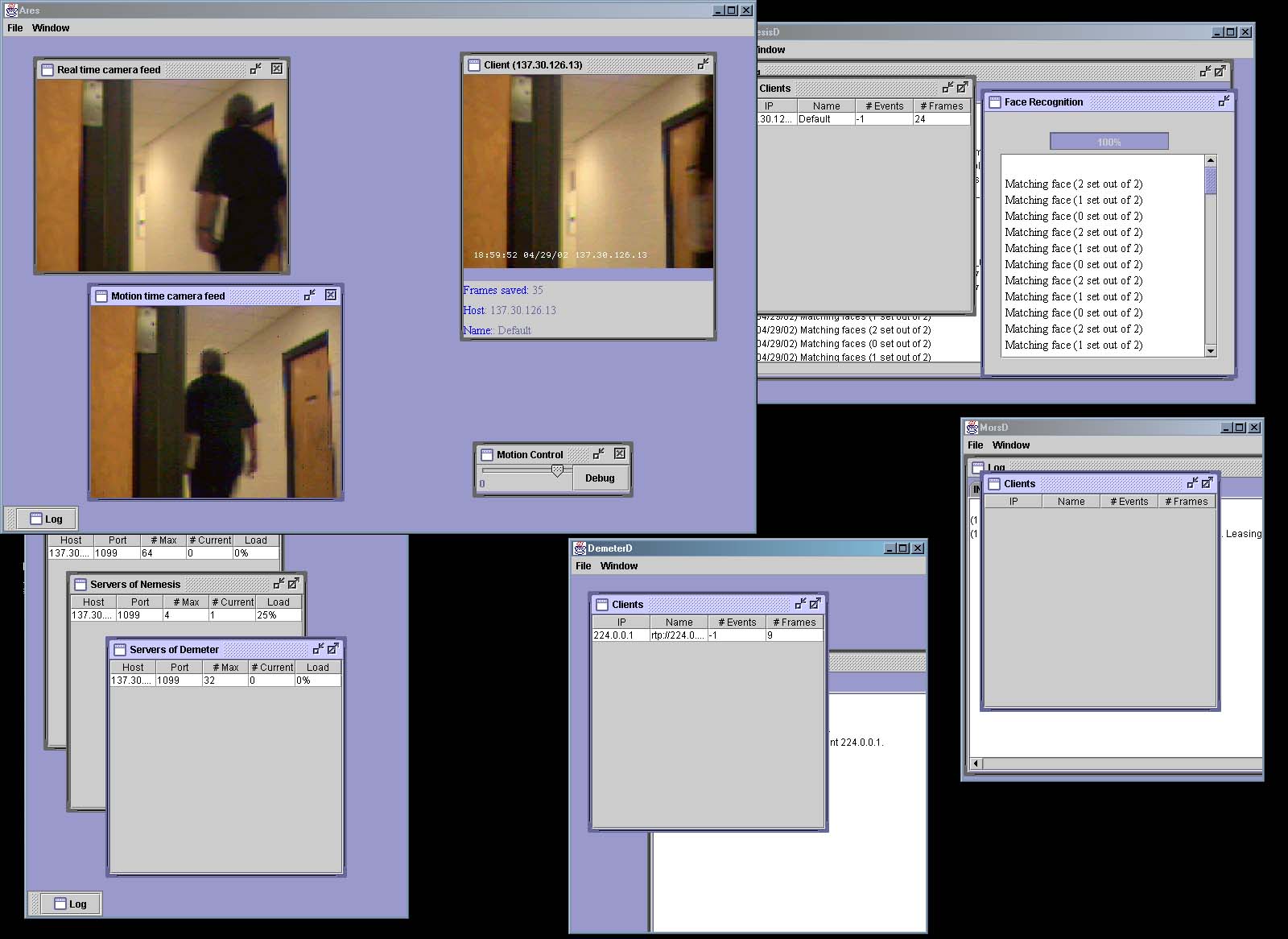
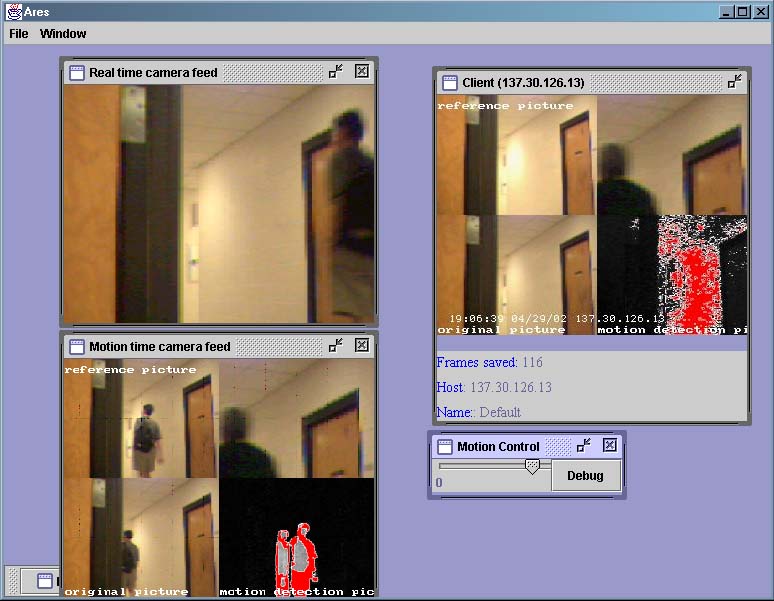
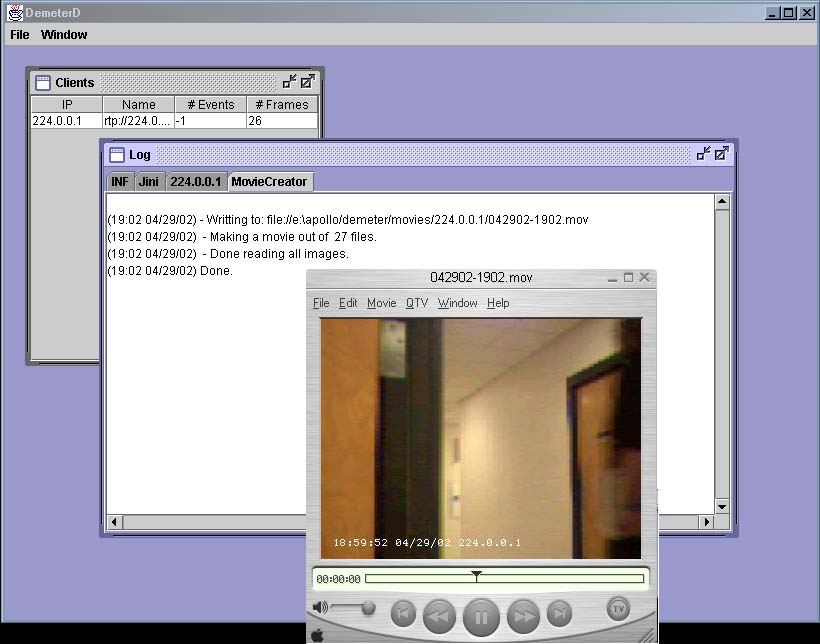
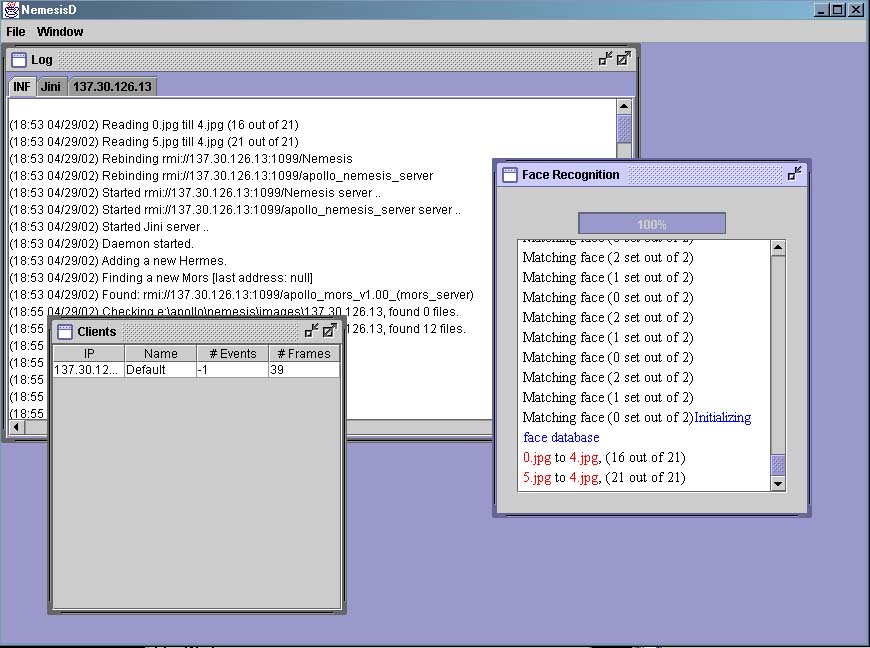
Project name: Apollo
Images


Description
A distributed scalable approach to face recognition. Read the
design document. Watch a movie (its 30MB). Read over the slides,
and download the source code (includes instructions, sample images, policy file and source code).
Keep in mind that you need to install:
Compile and set the variables
First step is to build Apollo. Change the JINI_DIR, JMF_DIR,
PROGRAM to paths that correspond to your installation. Also make sure you have WEBSERVER set to the right name of your machine. Furthermore make sure that CAMERA has the correct URL for your camera (you can find out which URL your camera has by running JMFRegistry and looking at the value of Locator).
Start
After all the environment variables have been checked start Jini Services (in the package, there is startjiniservices.cmd that starts the needed components:
- the Webserver (which has to serve the stubs for Apollo)
- RMI server and ,
- activiation server.
Next step is to start start_apollo_apps.cmd. Make sure you have the Jini services started and working. Before running the start_apollo_apps.cmd make sure you have set the right values for CAMERA, APOLLO_DIR, and FACES_DIR in that file.
Other source code
Snippets of code (motion detection and face recognition) are moved to the:
download section.
©2016 Konrad Rzeszutek Wilk